What the Light sensor option does
With the Light sensor option on, a HideMyAndroid profile replaces an idle device’s frozen ambient light reading with one that behaves like real room or street light. Off, apps see the raw hardware again.
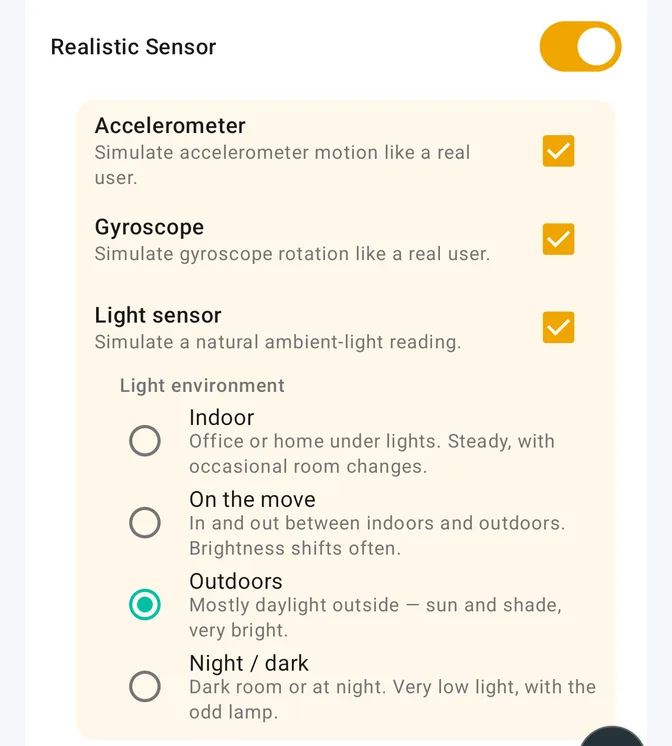
Added in app 1.6.4, it is the third checkbox under the Realistic Sensor switch, after Accelerometer and Gyroscope, Premium like them. Ticking it opens a Light environment picker with four presets, Indoor by default.
Key facts
- Light sensor is a Premium, per-profile option in app 1.6.4 or newer, beside Accelerometer and Gyroscope under Realistic Sensor.
- Only the ambient light sensor is rewritten; every other sensor passes through unchanged.
- Four presets set the band: Indoor, On the move, Outdoors, Night / dark. None follows the clock.
- Light runs on its own engine; a jolt on the accelerometer does not move the lux.
- Sensor name, vendor, range, and resolution stay as reported; values never leave the real range.
- ADB can set the flag hook_sensor_light through the Headless API; the preset can only be picked in the app.
How we tested it
Sensor Test (ru.andr7e.sensortest 1.6.9) on an Android emulator, sdk_gphone64_arm64, Google Play image, Android 16 / API 36, rooted with Magisk plus an Xposed framework loading HideMyAndroid 1.6.4, on a Premium license. One profile targeted only Sensor Test, with Realistic Sensor on and all three sensors ticked.
We captured six states from one boot, force-stopping Sensor Test before every capture because the module decides once per launch whether to hook a process: no profile; profile active with Light sensor off; Light sensor on with Indoor, then Outdoors, then Night / dark; profile deactivated again.
The emulator’s light sensor reports only when its value changes, so for the three spoofed states we pushed a new value from the emulator console about every half second, ten frames each; the plain states were eight screenshots (six for the last) about 0.7 seconds apart, nothing pushed. Every number comes from a screenshot.
Light sensor: before and after
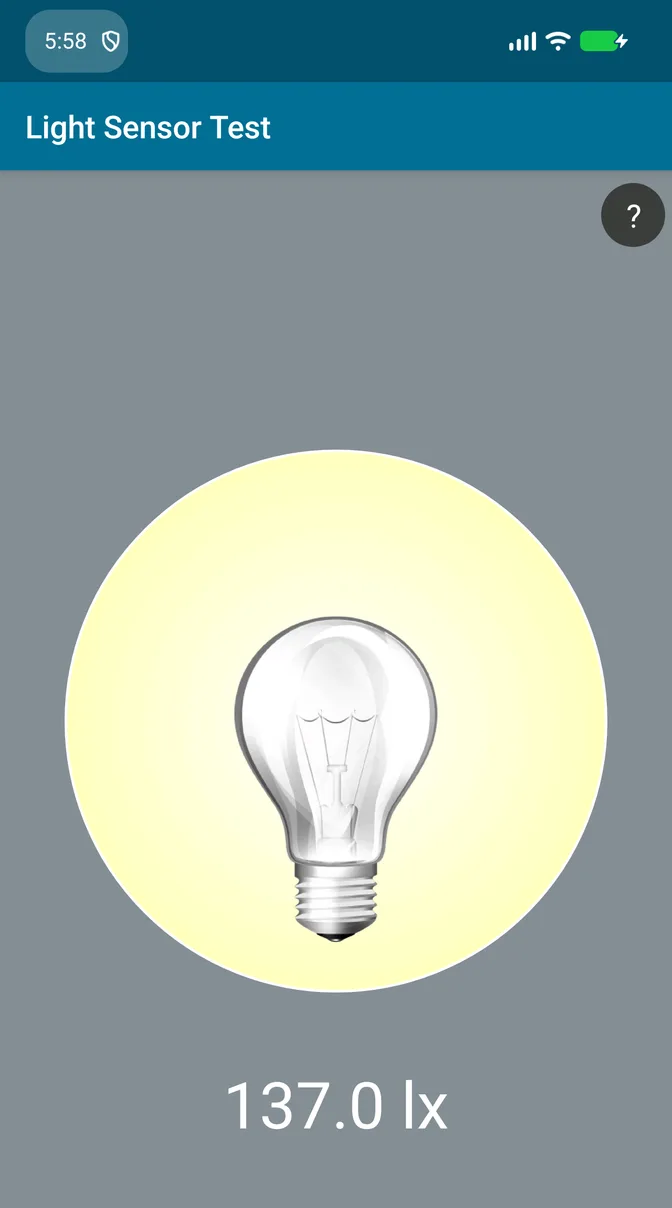
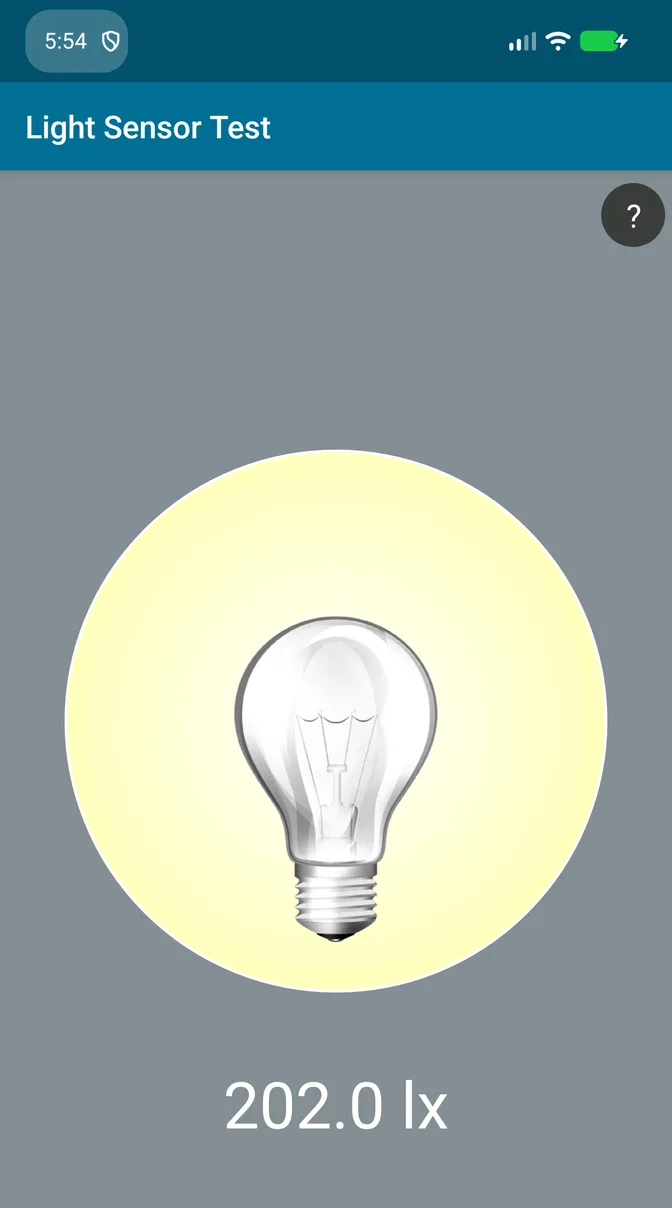
With no profile active, the emulator reports 0.0 lx on every sample. Push a value from the emulator console and the app shows it: 137.0 lx, then 742.0 lx.
With Light sensor on, the pushes are ignored and the reading follows the engine, changing frame to frame inside the chosen preset:
| Preset | Profile off | Profile on: min / max / mean (lux) |
|---|---|---|
| Indoor | 0.0 | 190 / 503 / 234 |
| Outdoors | 0.0 | 5,092 / 40,000 / 17,465 |
| Night / dark | 0.0 | 5 / 8 / 6.4 |
Indoor sat between 190 and 229 lx with one brighter moment at 503. Outdoors swung from 5,092 to 40,000 lx, the sensor’s declared maximum, so the clamp to the real range is visible. Night / dark wandered between 5 and 8 lx.
State 2, Light sensor off, read 0.0 like state 1, and the last state went back to 0.0: the change comes from this option alone.
The four presets
Each preset is a band the value wanders through, with occasional jumps and spikes:
| Preset | Usual band | Now and then |
|---|---|---|
| Indoor | 50 to 800 lux | 2,000 to 15,000 lux |
| On the move | 100 to 500 lux indoors, 3,000 to 40,000 outdoors, switching often | |
| Outdoors | 3,000 to 50,000 lux | shade, 200 to 800 lux |
| Night / dark | 0.5 to 25 lux | a lamp, 50 to 200 lux |
The preset ignores the clock, so Night / dark reports darkness at noon; pick the one that fits the profile.
What does not change
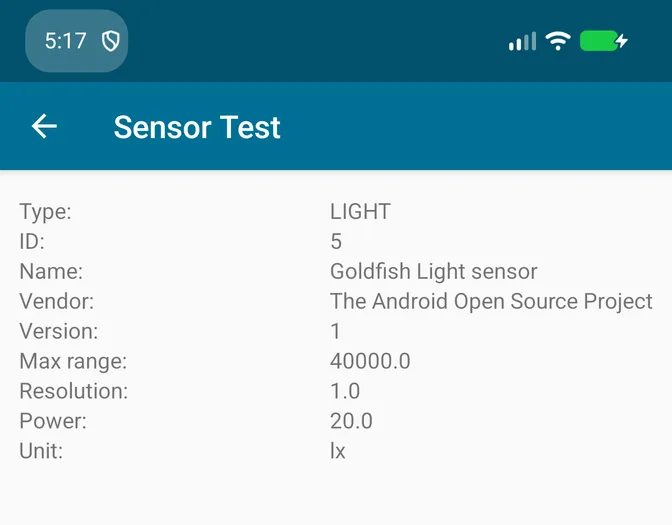
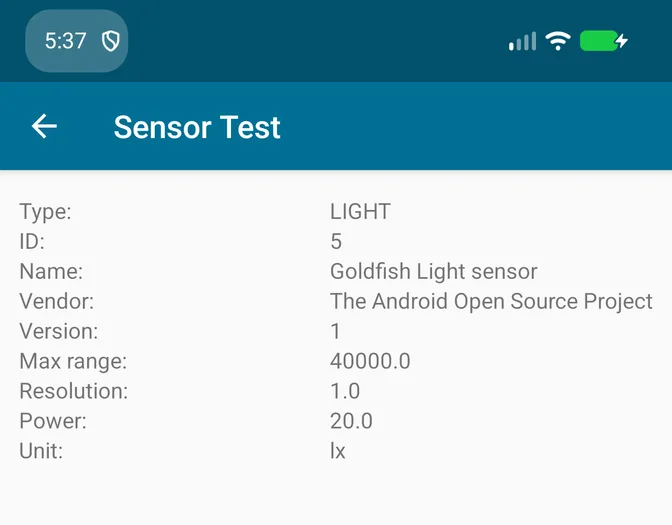
The Sensor Test info screen is identical in every state: still “Goldfish Light sensor” by “The Android Open Source Project”, max range 40000, resolution 1.0, and still 17 sensors. HideMyAndroid rewrites the value inside each light event; it does not invent a light sensor on a device without one, and it rounds to the real resolution and caps at the real range, hence the whole numbers above. As with the motion sensors, only the Java sensor API is covered; native code sees the real value.
How to turn it on
In the New Profile or Edit Profile screen, find Realistic Sensor in the Premium section, turn on the switch, tick Light sensor, and choose a Light environment. Save, activate, and relaunch the target app; a running app keeps its old reading until restarted. It needs app 1.6.4 or newer from the home page.
From ADB, the Headless API sets the flag through the hookFlags parameter of profile.update, key hook_sensor_light beside the accelerometer and gyroscope keys. Use the broadcast form and send the full map, as the accelerometer and gyroscope post explains. The preset has no headless field: a profile created from ADB uses Indoor; open it in the app to pick another.
adb shell am broadcast -a com.wowsoftware.hidemyandroid.HEADLESS_UPDATE -p com.wowsoftware.hidemyandroid -e token <your_access_token> -e id <profile_id> -e hookFlags '{"hook_realistic_sensor":true,"hook_sensor_accelerometer":true,"hook_sensor_gyroscope":true,"hook_sensor_light":true,...}'What it does not promise
No tool can guarantee zero detection forever. The Light sensor option removes one tell, a light reading that never changes, and keeps it in a believable band; it does not rename an emulator’s sensors, and platforms keep changing their checks. Under the Terms of Service, you remain responsible for following the laws and platform rules that apply to you.
Next steps
- Read the accelerometer and gyroscope test for the motion half.
- Compare plans in the pricing article; every Premium plan includes all three sensors.
- New to the module? Follow the installation guide, then read what HideMyAndroid is.